

With MCP, you can help your team make better-informed decisions by connecting the systems, tools, and information that power your business directly to ApparelMagic.







Spend less time switching systems, writing API requests, and pulling data manually, and more time using the information already inside ApparelMagic.
45 min
5 min
Build a customer performance report
89% Time Reclaimed
30 min
3 min
Find inventory or product records
90% Time Reclaimed
20 min
1 min
Create or update an ApparelMagic record
95% Time Reclaimed
Estimated time savings based on common data queries, reporting, and record-management workflows. Results may vary by request complexity, permissions, data structure, and review process.
Use MCP to connect compatible tools and systems, giving ApparelMagic and your AI workflows access to the context they need to answer questions and move work forward.
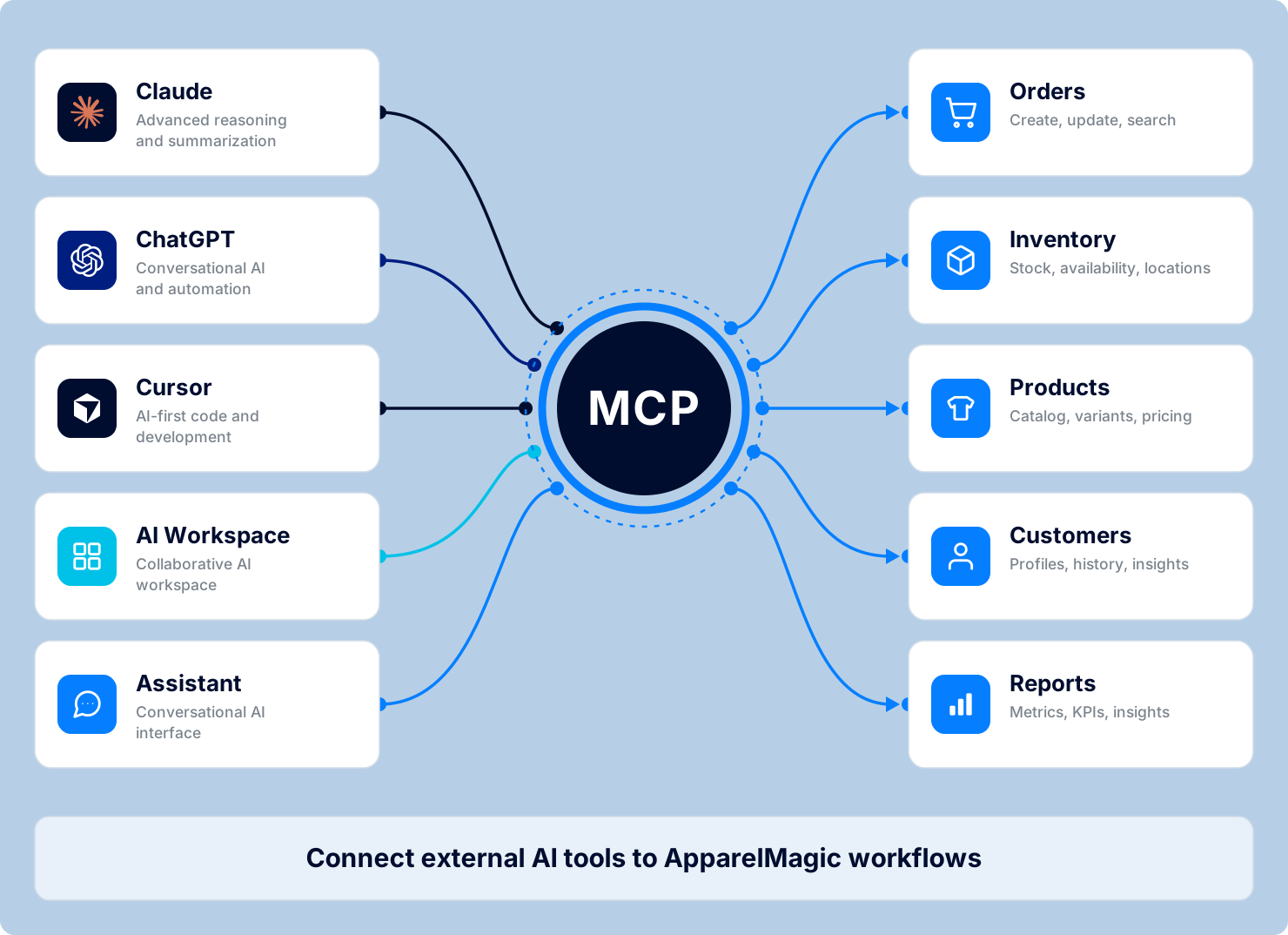
Connect Cursor, Claude Desktop, VS Code, and other compatible MCP clients directly to live ApparelMagic ERP and PLM data.
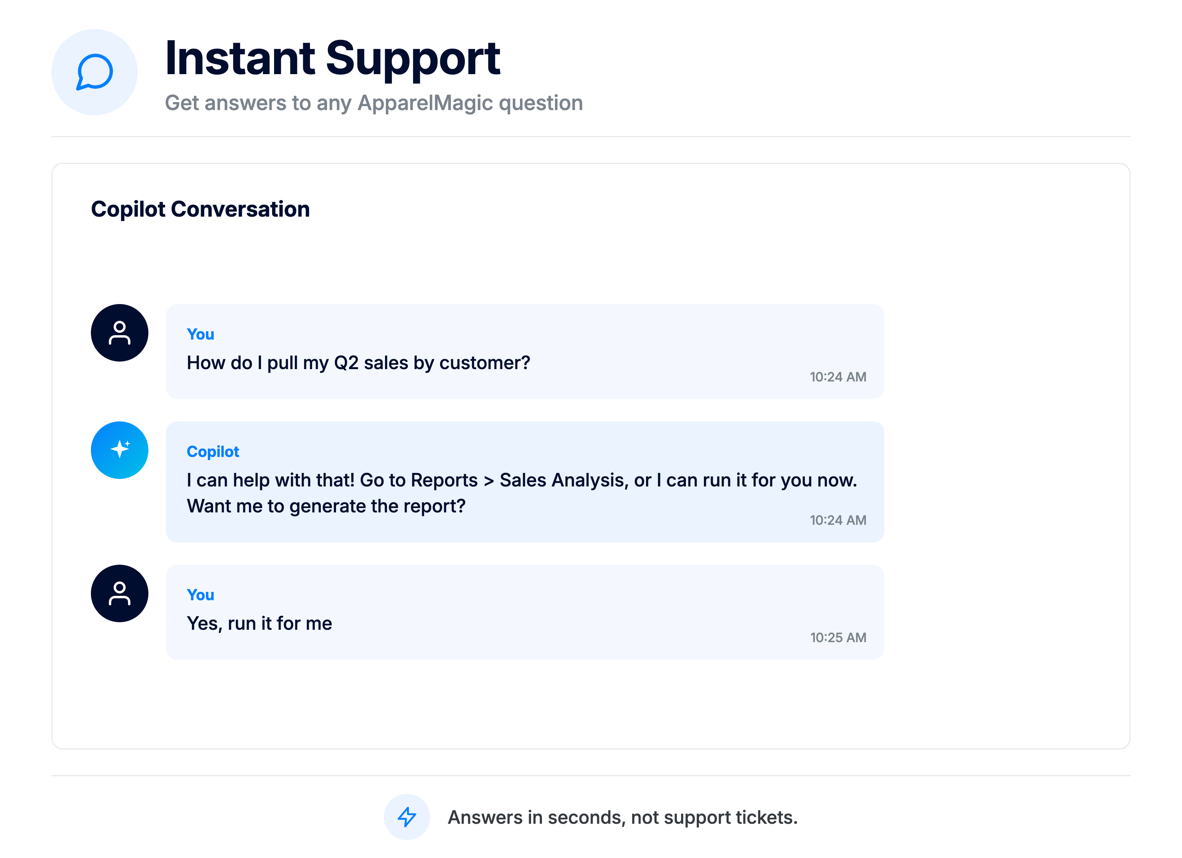
Use ApparelMagic Copilot to investigate questions across ERP records and connected sources without searching every platform or gathering the information manually.
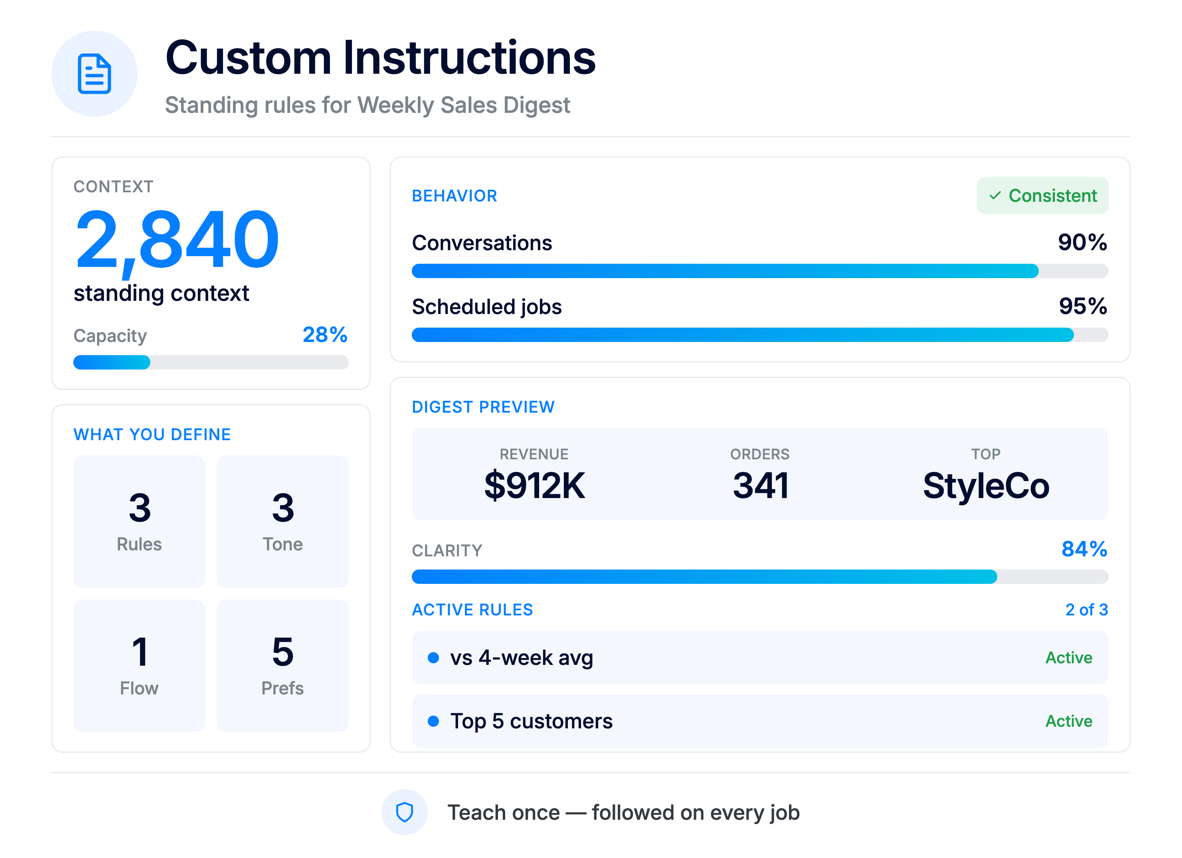
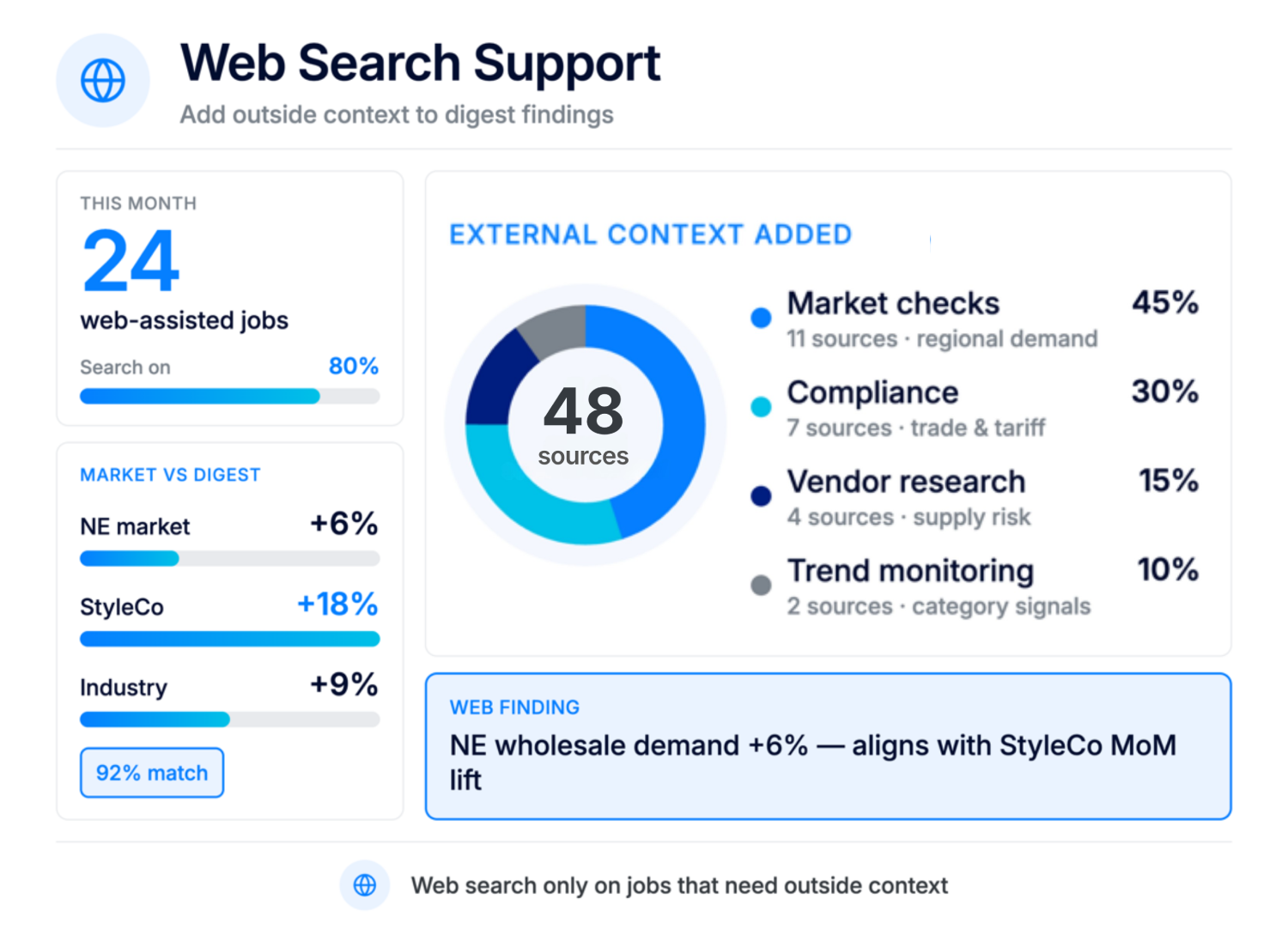
Allow ApparelMagic AI Agents to consider approved external information when monitoring performance, identifying issues, and preparing recommendations.
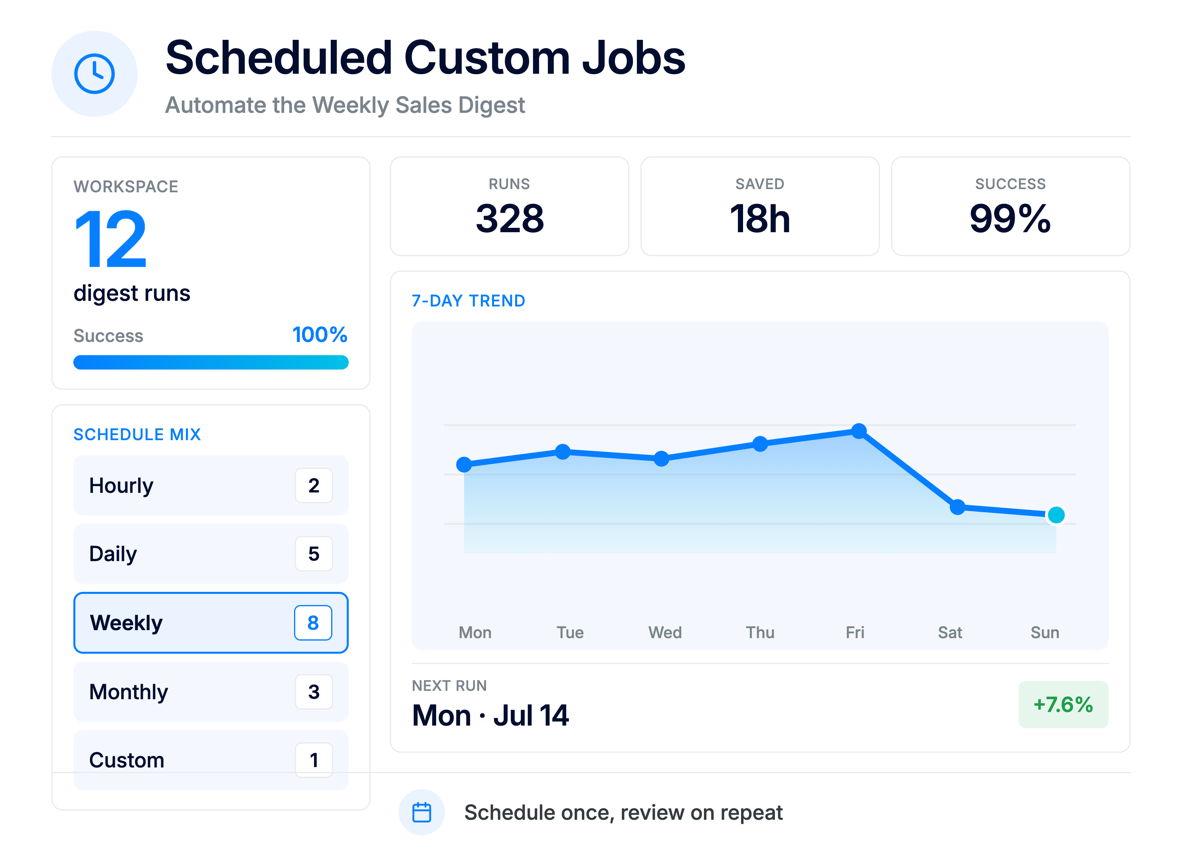
Where supported and approved, allow ApparelMagic’s AI tools to initiate actions in connected systems after identifying an issue, opportunity, or required next step.
Use a standardized MCP framework to add compatible systems and capabilities as your business, technology stack, and AI workflows evolve.
Bring relevant context from across your technology ecosystem into ApparelMagic.
Use ChatGPT to explore ApparelMagic data, get quick answers, and complete supported tasks.
Use Claude Desktop or Claude Code to explore ApparelMagic data and complete supported tasks.
Access ApparelMagic data in Gemini to research, summarize, and support everyday workflows.
Access ApparelMagic data while building integrations, automations, and development workflows.
Bring ApparelMagic data into Codex while writing code and building connected integrations.
Bring ApparelMagic data into VS Code while developing and managing connected workflows.
Connect ApparelMagic data to Copilot Studio agents that support your team’s workflows.
Connect compatible MCP clients and custom tools to support your ApparelMagic workflows.
Connect compatible business systems through MCP so ApparelMagic AI can work with relevant external information alongside your ERP and PLM data.
Reference relevant storefront, marketplace, customer, product, and order information from compatible commerce platforms.
Bring customer engagement, campaign activity, lead information, and account context into operational conversations.
Analyzes product performance and seasonality to support better planning and line decisions.
Reference external accounting, payment, banking, expense, and financial information when reviewing operational performance.
Give ApparelMagic access to approved policies, specifications, meeting notes, vendor documentation, contracts, and internal knowledge.
Connect proprietary databases, internal applications, partner systems, and custom tools through compatible MCP servers.
No custom API code. Create a token, connect your AI tool, and start working with ApparelMagic data.
Reduce the need to move between separate platforms every time a question or workflow requires information from another department.
Help Copilot and AI Agents understand the broader circumstances surrounding products, customers, orders, inventory, fulfillment, and financial activity.
Spend less time searching systems, exporting reports, copying information, and reconstructing a complete picture before making a decision.
Access relevant external information through connected tools without necessarily replacing the systems your teams already use.
Connect operational information across merchandising, sales, marketing, customer service, logistics, accounting, and other departments.
Add compatible sources and tools as MCP adoption grows and your organization identifies new opportunities for connected AI workflows.
Connect ApparelMagic to the AI tools your team already uses, so your data moves with the way your business actually works.
ApparelMagic MCP connects approved external AI tools and systems to your ApparelMagic data through the Model Context Protocol. It gives compatible tools a structured way to work with permitted ERP and PLM information, helping teams use ApparelMagic data in the tools they already work with.
It works alongside ApparelMagic’s existing integrations and API, adding another way to securely connect AI tools with the business data and capabilities managed inside the platform.
With ApparelMagic MCP, teams can use compatible AI tools to work directly with approved ApparelMagic data for tasks such as checking recent orders, reviewing low-stock or low-cover SKUs, looking up invoice activity, exploring style and product information, and answering questions about other permitted ERP or PLM records.
Depending on the access granted, MCP can also support actions through those connected tools, helping users move from simply finding information to working with ApparelMagic data as part of their existing AI workflows.
ApparelMagic MCP is available on Enterprise and Ultimate plans.
ApparelMagic MCP is available as part of the ApparelMagic Intelligence add-on and is not included with the standard ApparelMagic license. It is offered at a flat price, with the rate varying based on your plan and billing terms.
ApparelMagic MCP can connect with supported AI clients such as ChatGPT, Claude Desktop, Claude Code, Gemini, Cursor, VS Code, Codex, and Copilot Studio. It can also integrate with approved commerce, CRM, marketing, fulfillment, logistics, finance, accounting, document-management, knowledge, and custom business platforms.
Connection availability depends on whether the platform supports a compatible, approved MCP server.
To connect a compatible AI tool, create an MCP token in ApparelMagic, assign it to a user, choose the appropriate access level, and add the connection details to your AI application.
Once configured, the AI tool can work with the ApparelMagic data and capabilities available to that user, based on the permissions and access settings you selected.
Not necessarily. ApparelMagic MCP is designed to work with compatible MCP clients and implementations, but support can depend on how the external tool or server implements the Model Context Protocol and what capabilities it exposes.
For the best results, teams should confirm compatibility and configuration requirements before connecting a new MCP server or tool.
No. ApparelMagic MCP is designed to work alongside existing integrations, APIs, and connected systems, not replace them.
Traditional integrations can continue handling established data synchronization and operational workflows, while MCP gives compatible AI tools another way to work with approved ApparelMagic data and capabilities.
ApparelMagic MCP uses permission-based access so connected AI tools can only work with the data and capabilities approved for the associated ApparelMagic user. MCP tokens can be configured with different access levels, including Read Only or Full Access, and can also be revoked when needed.
This helps teams control what connected tools can see and do while keeping access tied to ApparelMagic’s existing user permissions and security model.
No. ApparelMagic MCP does not automatically import all data from connected external tools or systems into ApparelMagic.
Instead, MCP provides a structured way for compatible AI tools to work with approved ApparelMagic data and capabilities when needed. Existing integrations and APIs can continue to handle ongoing data synchronization between ApparelMagic and other business systems.
ApparelMagic AI Agents can work with the data and capabilities available to them through ApparelMagic and their assigned permissions. Whether an Agent can use information from an external system depends on how that system is connected and how the workflow is configured.
MCP can extend access to approved data and tools, but the exact data available to an Agent depends on the specific connection and implementation.
If you are a current ApparelMagic client and want to enable or configure MCP, please reach out to ApparelMagic Support for guidance on access, setup, and compatibility.
If you are considering ApparelMagic for your business and want to learn more about MCP and ApparelMagic Intelligence, you can contact our team here.
Bring relevant context from across your technology ecosystem into ApparelMagic.
Reference relevant storefront, marketplace, customer, product, and order information from compatible commerce platforms.
Bring customer engagement, campaign activity, lead information, and account context into operational conversations.
Analyzes product performance and seasonality to support better planning and line decisions.
Reference external accounting, payment, banking, expense, and financial information when reviewing operational performance.
Give ApparelMagic access to approved policies, specifications, meeting notes, vendor documentation, contracts, and internal knowledge.
Connect proprietary databases, internal applications, partner systems, and custom tools through compatible MCP servers.
Combine ApparelMagic data with approved external context to investigate cross-system questions, uncover broader insights, and coordinate more informed workflows.
Combine ApparelMagic order and payment history with approved CRM activity, support interactions, and engagement information to develop a more complete customer-risk assessment.
Review ApparelMagic orders alongside warehouse events, tracking updates, carrier information, and external fulfillment records when investigating delays or exceptions.
Evaluate product sales and inventory in ApparelMagic alongside approved campaign, website, marketplace, or customer-engagement information.
Analyze ApparelMagic transactions together with relevant external accounting, banking, payment, or expense information.
Reference vendor documents, specifications, communications, and external production information while reviewing purchase orders or product-development activity.
Ask a single business question and assemble relevant information from ApparelMagic and connected external sources into one summarized response.